eAdviser

web app
ed tech
2022 — 2023
about
eAdviser is a web platform that helps users navigate and select personalized educational courses based on their interests and goals. I designed key app sections and conducted competitive research that informed the product's future development.
my part
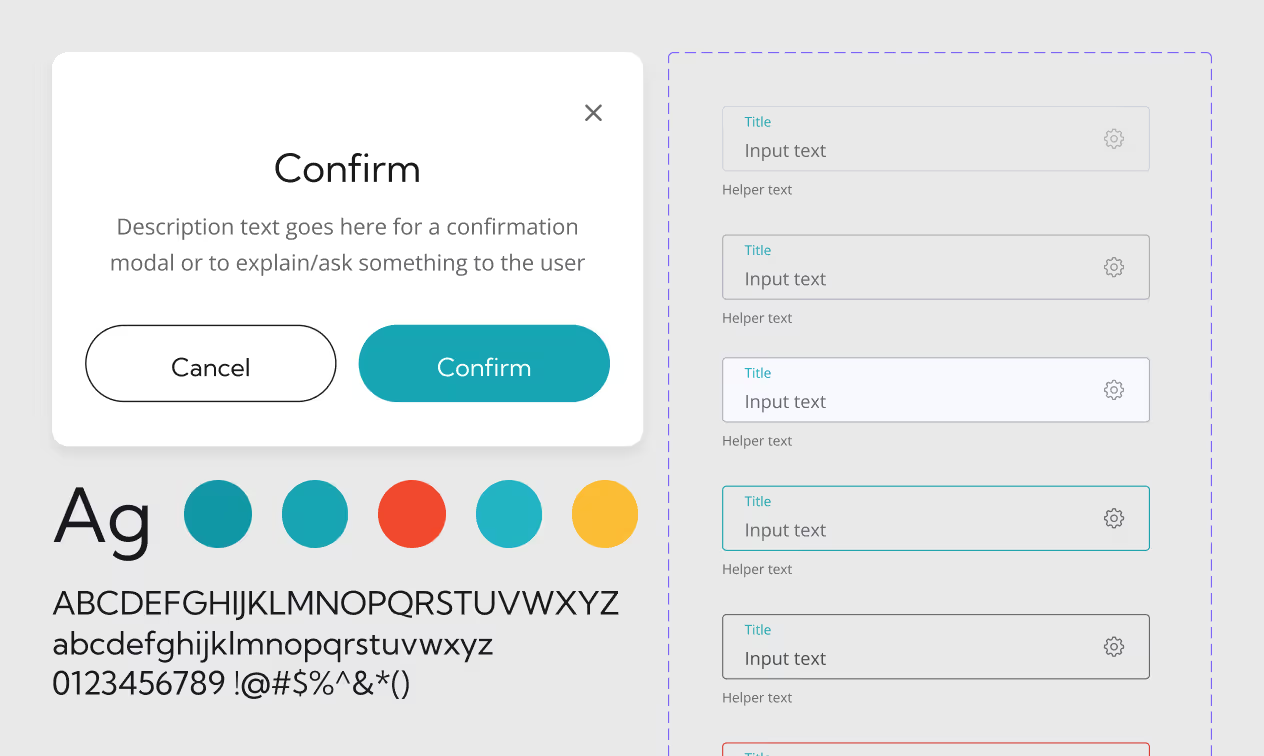
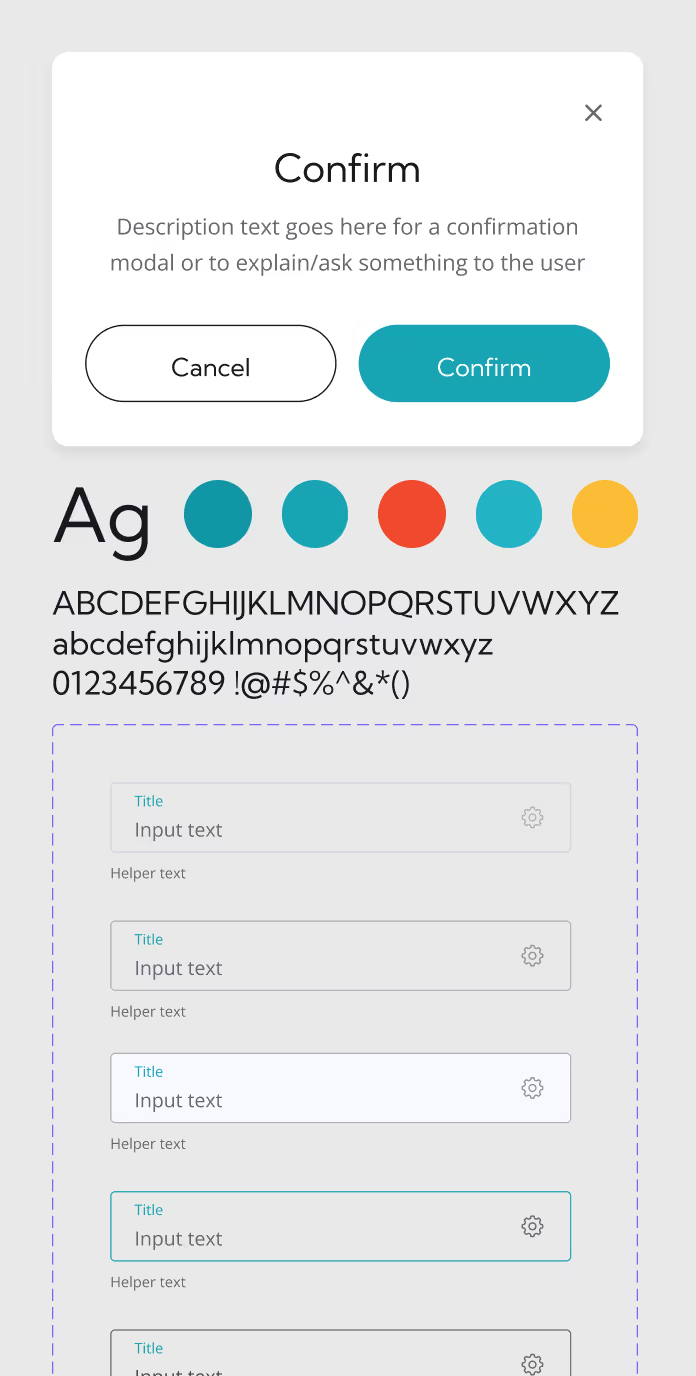
Competitive Research / UX Research / UI Design / Design System
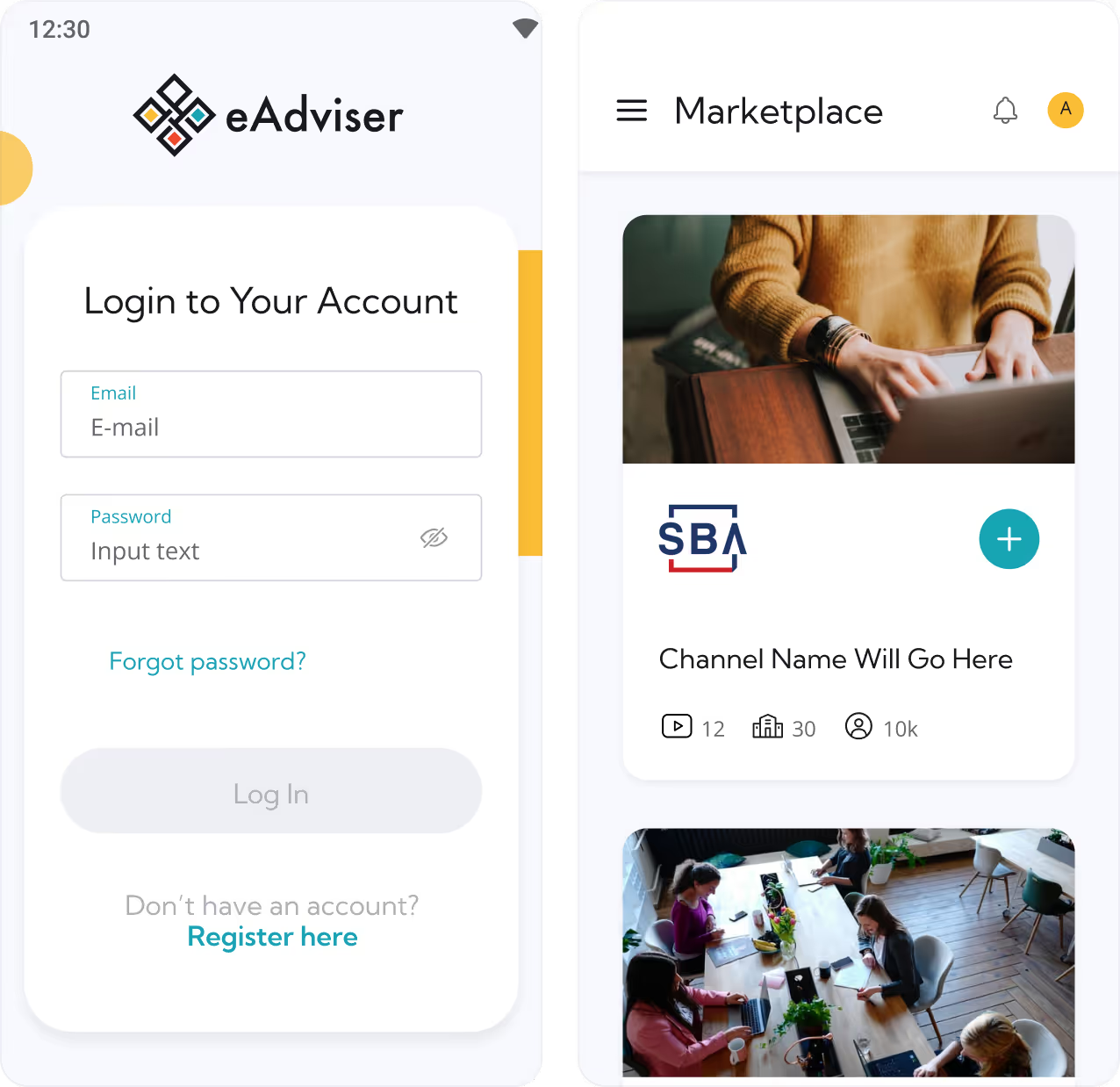
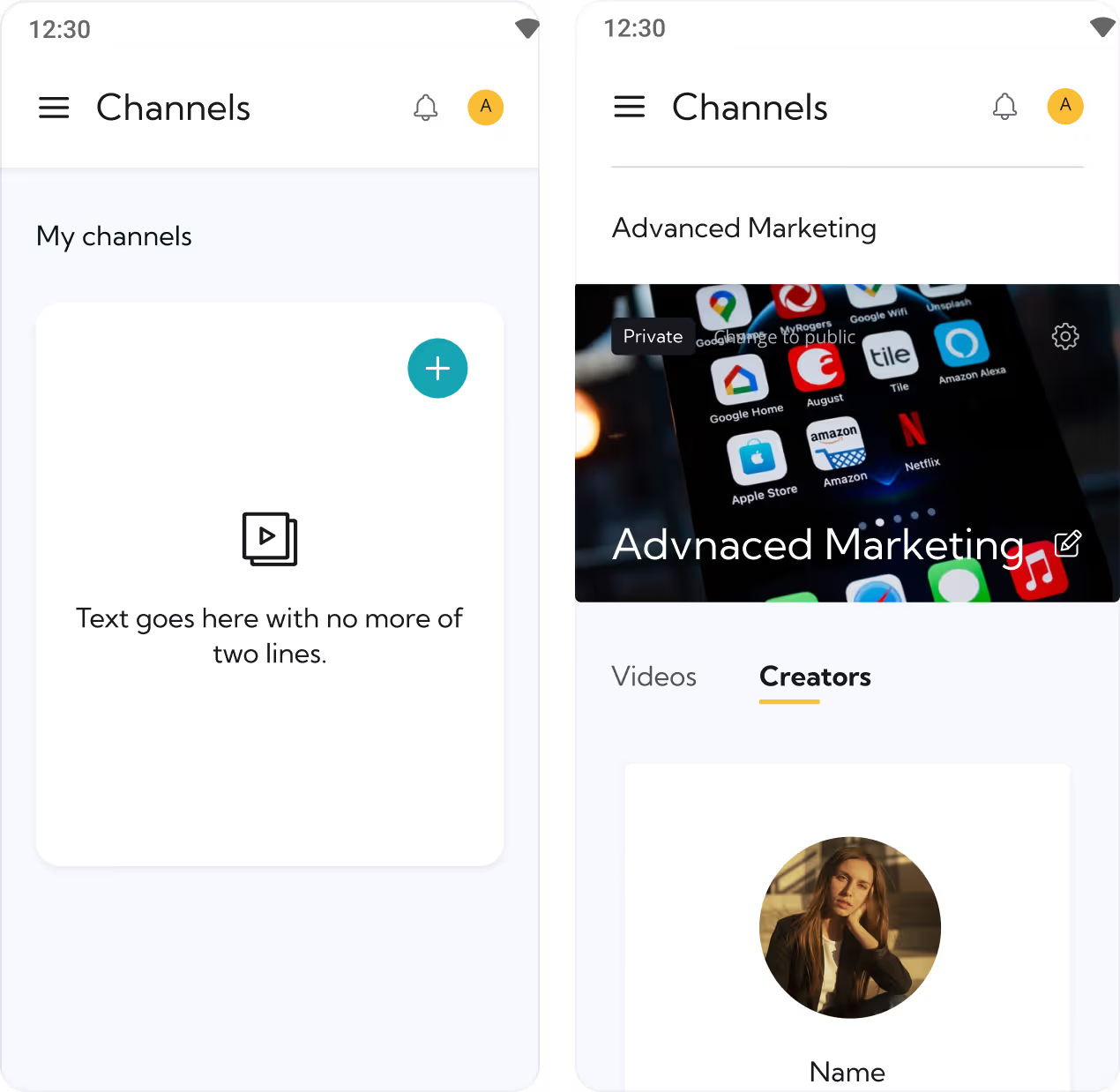
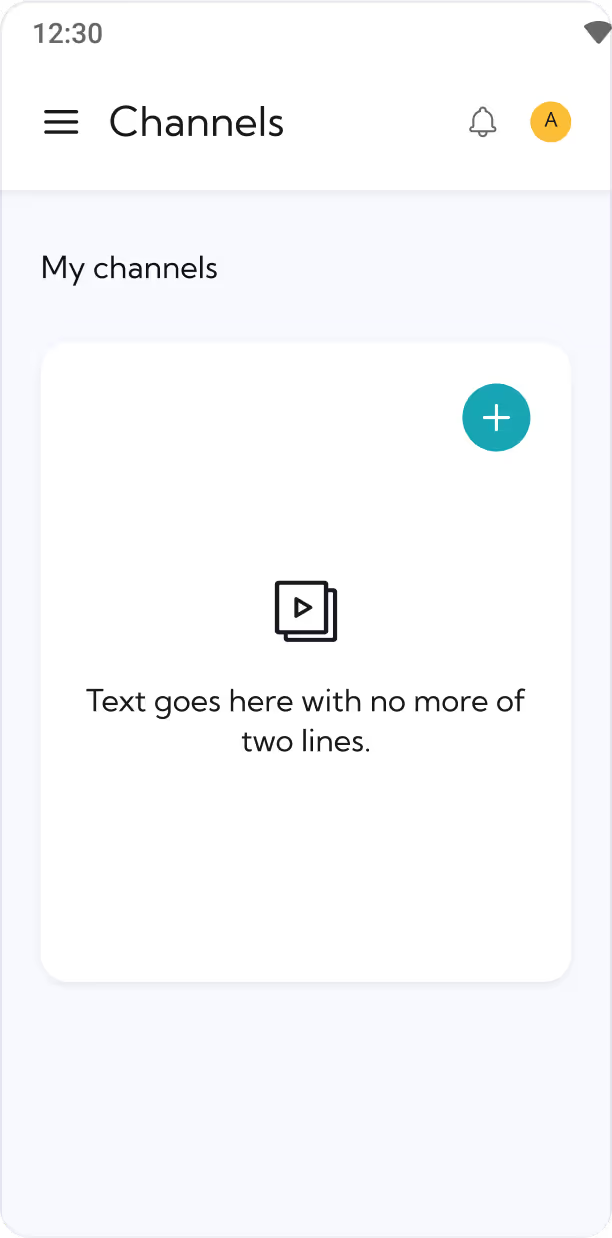
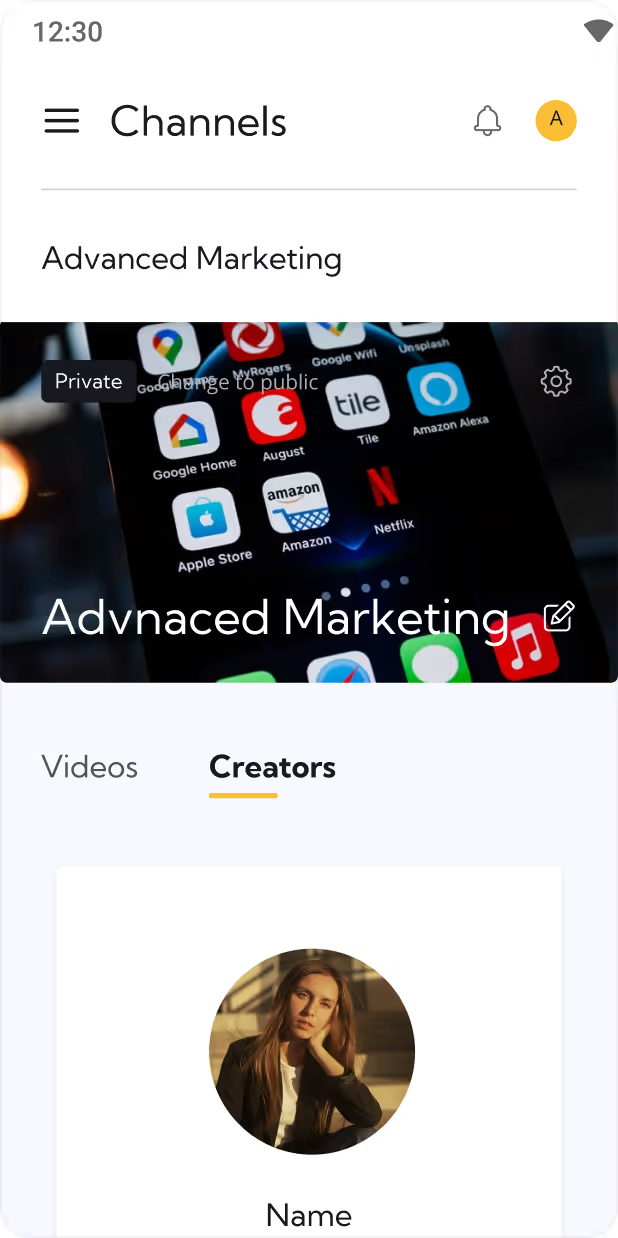
some of the core screens I´ve helped design to: marketplace, creators, followers
challenges & how we solved them

The first safe dive into the real product design

eAdviser became my first project during my nearly three-year career at Visual Boston. This web app was an excellent opportunity to gain hands-on experience on a real product and help the team complete design deliverables while building foundational skills.
Before joining Visual Boston in September 2022, I had been working in design for about eight months. Despite having completed two solo projects - a website with a wizard questionnaire and a mini-site for an animation studio - I realized I still had a lot to learn technically.
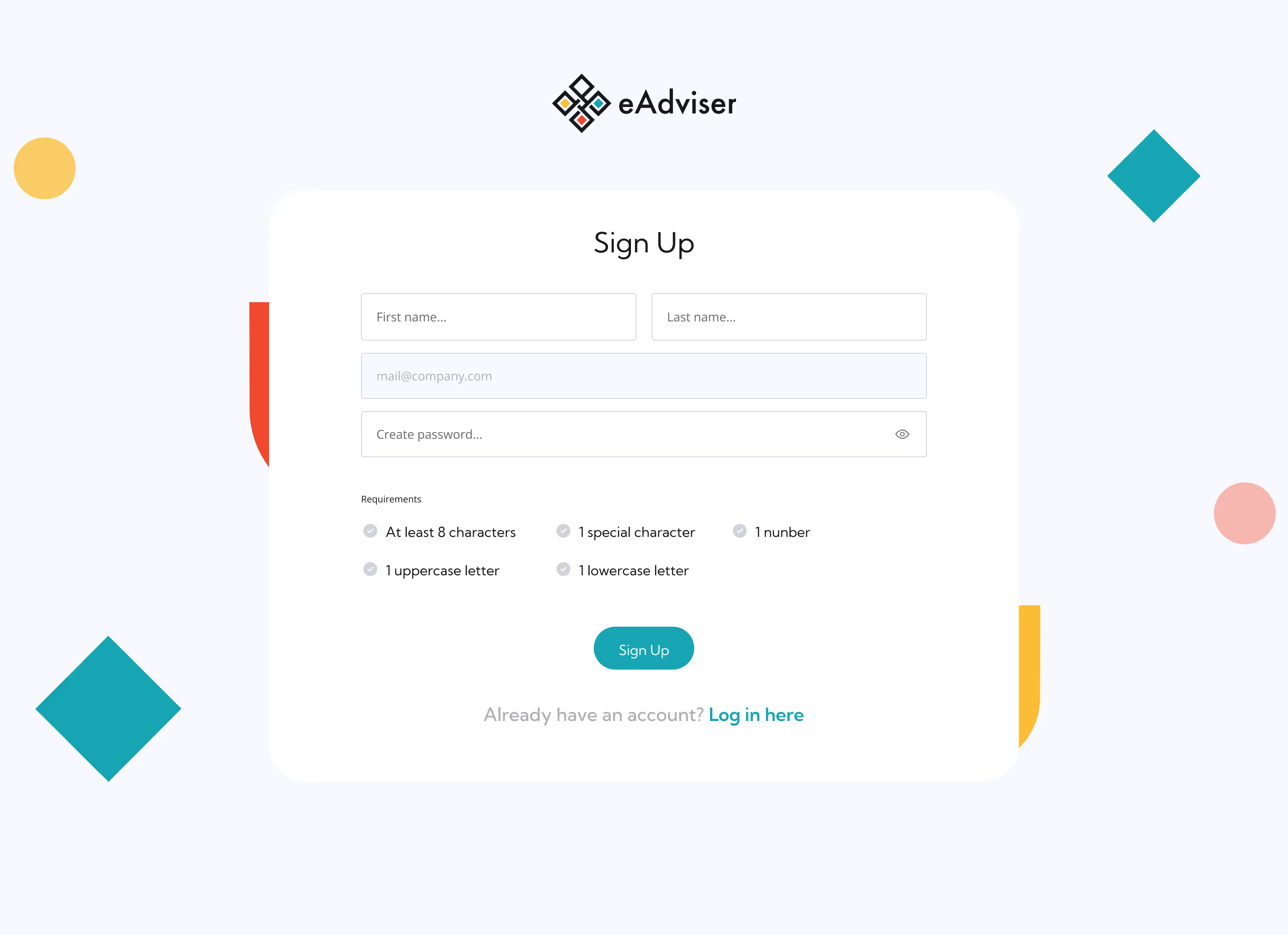
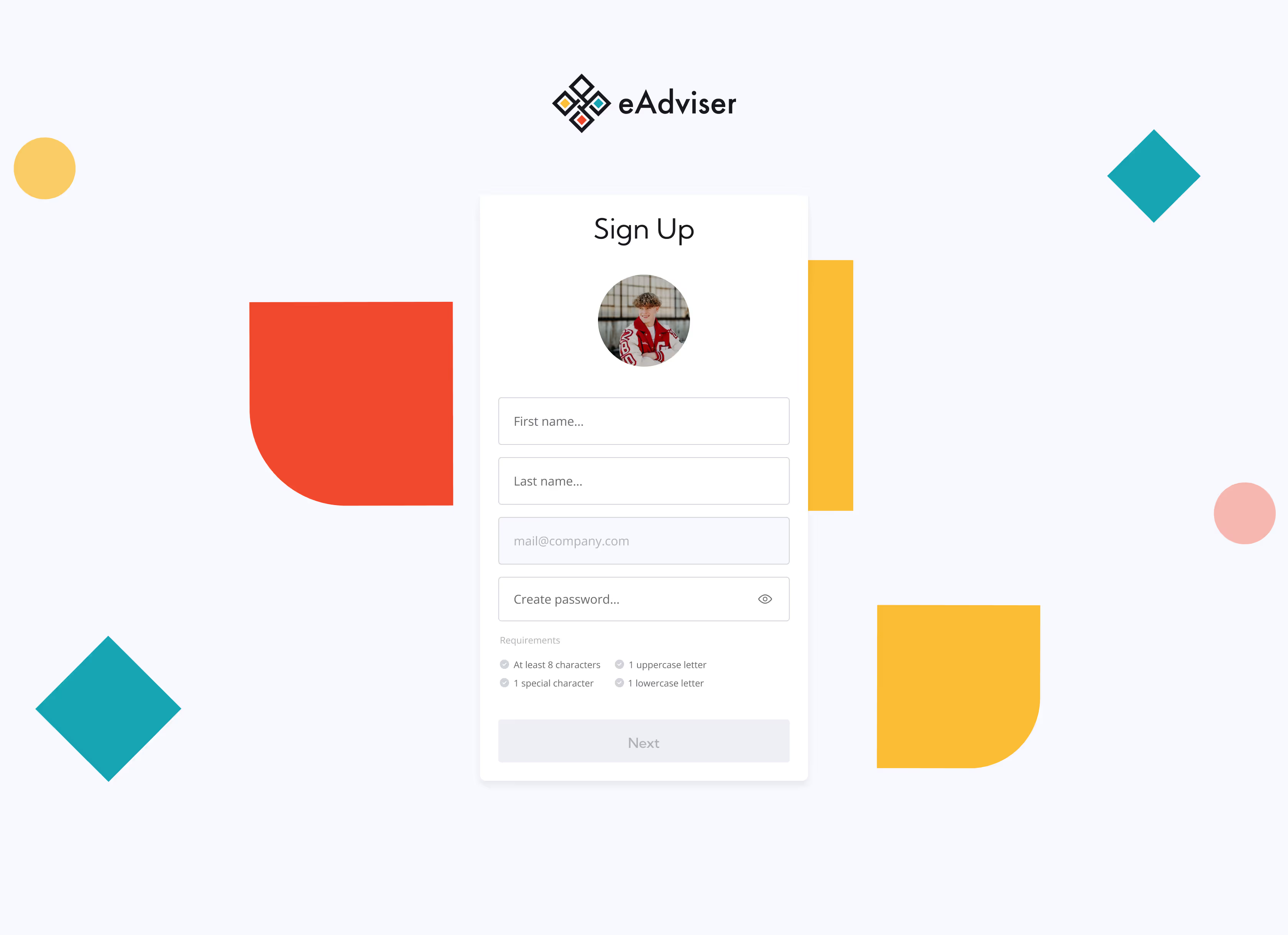
some of the first screens I´ve helped to design: sign up
For example, when AutoLayout was first released in Figma, I was sure I'd never need it. While working on eAdviser, I quickly understood it was essential. At first, I resisted, but then I remembered during my years in architecture and engineering, I mastered programs far more complex than Figma.
I worked alongside two incredibly talented designers who mentored me and guided the process, yet I had freedom to suggest strategic structural and visual solutions. After several mentoring sessions with the senior designer and many YouTube tutorials, I gained confidence working with UIs.
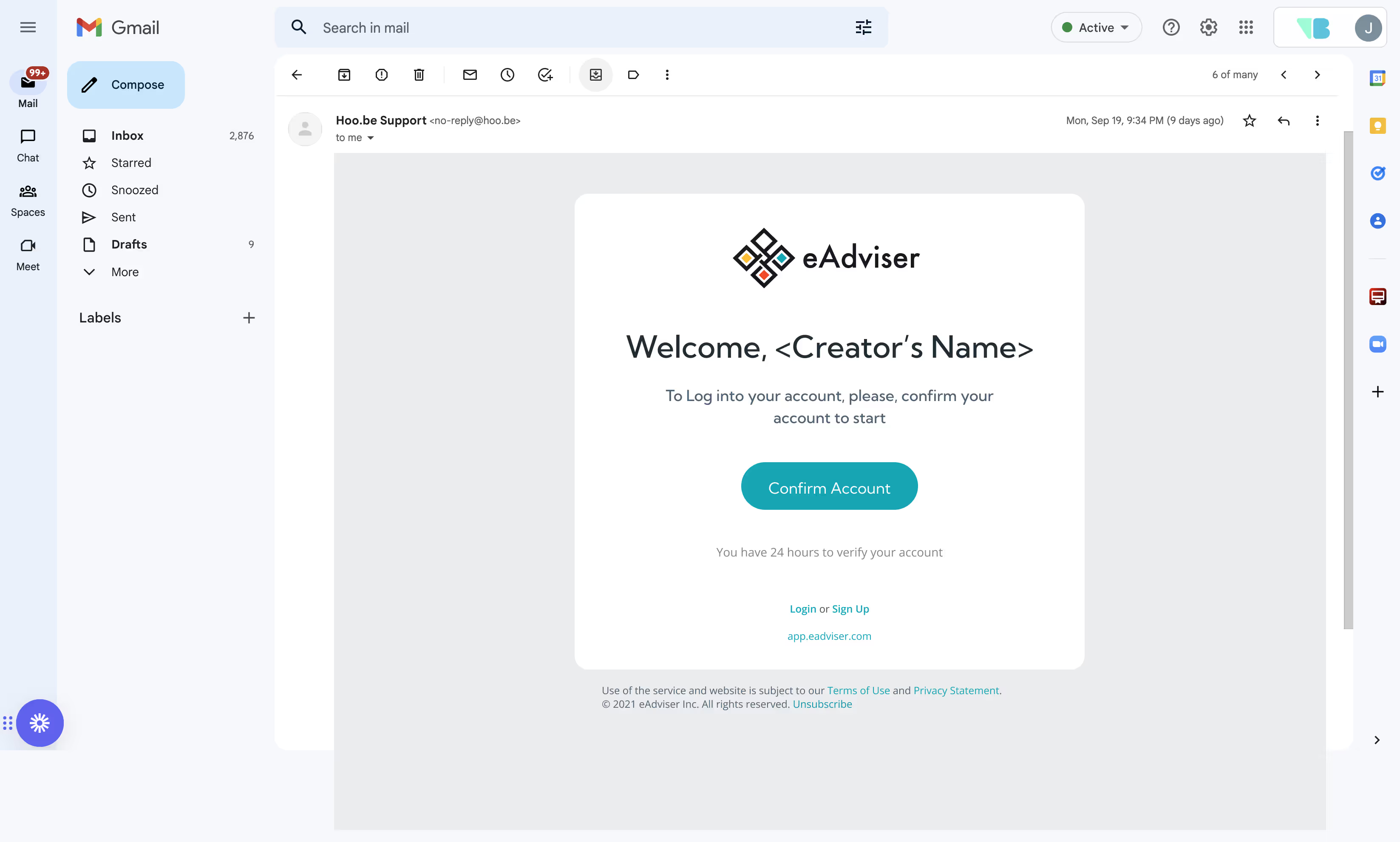
among other things, one of my first tasks was to design email templates, like this one
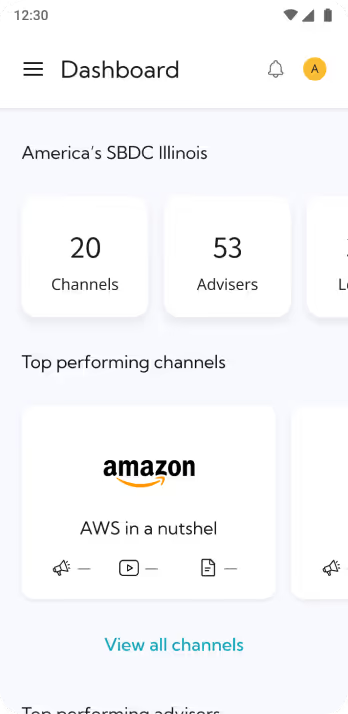
As a result, I developed several application sections - such as account settings and dashboard screens with course recommendations. I also assisted in designing nearly all other parts of the product, contributing to cohesive experience.
Quick onboarding and technical growth:

→  mentoring sessions with the senior designer
→  self-driven learning process
→ prioritization of the most burning areas of knowledge to cover and improve
Aligning design deliverables with the client´s request:

→  proactive communication with the senior designer
→  timely manner of implementing changes
→  improving deliverables until they match technical requirments for the project

Working in a constantly expanding scope

The eAdviser project introduced me to one of the classic challenges of client work - scope creep and constantly evolving requirements.
some screens I´ve haelped to design: dashboard and sign up
Since the project was constantly changing, I was glad we still managed to focus on key UX research activities - competitive research, product matrix, and other methods I actively promoted during team brainstorms and client meetings to ground decisions in data.
I conducted detailed competitive analysis, identifying both strengths and weaknesses of competing products and their websites. This helped us find areas where we could improve and create a truly competitive solution for the ed-tech market.
user flows
It was my first serious client presentation, and although I was nervous, after several days of preparing the report, I felt confident.

Even though my voice trembled at times, I managed to achieve a lot:
— explored all available alternatives in the ed-tech sector and analyzed their details,
— studied competitors' marketing techniques,
— identified weaknesses and defined must-have features for successful positioning and creating a truly valuable product.
Together with other UX exercises we conducted with the client, we managed to define the direction for the product's further development.

I was glad to contribute to implementing a UX-based approach that grounded design decisions in research.
Although this was the final stage of my collaboration on eAdviser, I'm glad I helped minimize scope creep's effect and bring clarity to the project's next phase through structured research.
Bringing order to the design process:

→  argumentative lobbying of the implementation of the UX-research-based design approach
→  applying project management skills to resolve confusing situations
Creating quality base for the further product work:

→ applying deep research methods
→  coordinatingcagenda in advance and tactic manner of communication
results
eAdviser holds an important place in my design career because it marked the beginning of my journey at Visual Boston. In a relatively short period, I strengthened both technical and communication skills, designed several product sections, and contributed to UX research and defining future directions for the platform.
Even though I joined the team halfway through, I'm grateful for how much I learned while working on this app. I gained a clear understanding of how business goals directly influence design and project processes, and how to adapt UX research to real product needs.

Some other case studies

(view all)

FRAUD.NET

website
fin tech
2024 — 2025
product designer / UX-UI designer

O2X app

web app
sports tech
2023 — 2025
product designer / UX-UI designer

Revinova

web app
ad tech
2024
UX-UI designer

Bread Revolution

website / brand
marketing
2023
product designer / UX-UI designer